
SellAny Theme
Build a high-converting online store with the SellAny WooCommerce Theme – a responsive, SEO-friendly WordPress theme with drag-and-drop design and powerful customization.
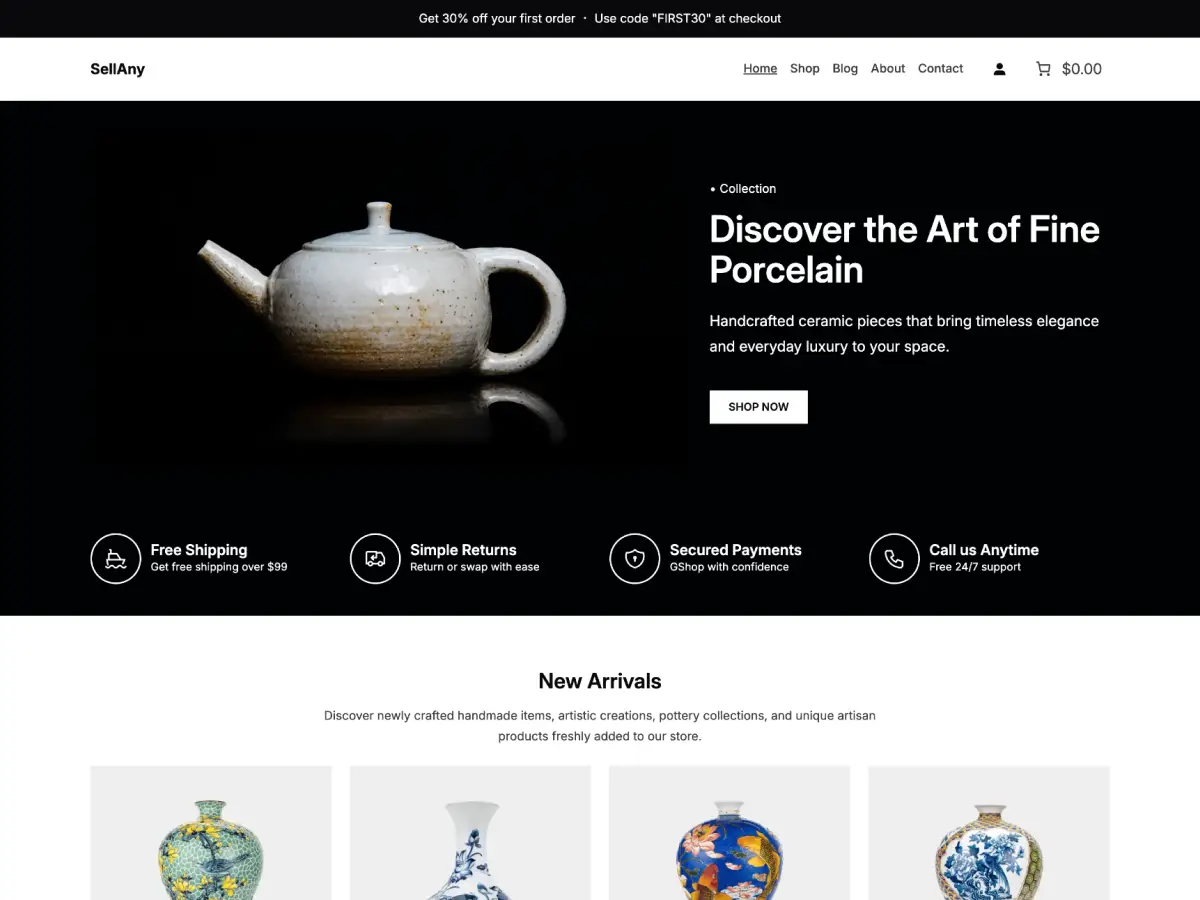
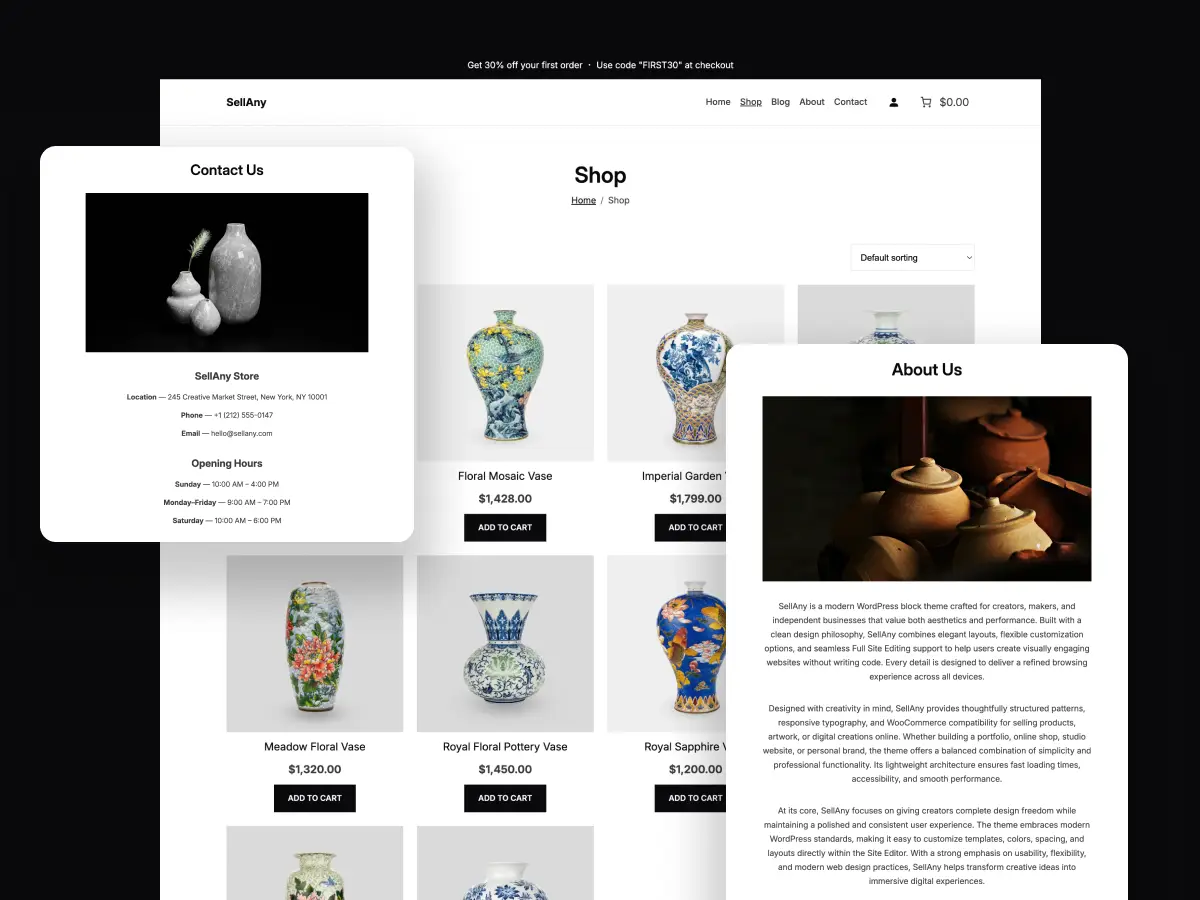
The SellAny Theme is a modern, responsive, and SEO-friendly WordPress theme built for online stores, creative professionals, small businesses, digital store, and service providers. Designed for flexibility and performance, it includes seamless WooCommerce integration, customizable layouts, drag-and-drop editing, and professionally crafted templates that help users create stunning websites without coding.
Whether you’re selling handmade products, showcasing a portfolio, promoting services, or building a business website, SellAny provides the essential tools to establish a strong online presence while delivering an excellent experience across desktop, tablet, and mobile devices.
SellAny Theme for Modern Online Businesses
The SellAny Theme is a powerful and flexible WooCommerce WordPress theme created for online stores, artists, handmade craft sellers, pottery studios, creative workshops, local businesses, freelancers, entrepreneurs, and service providers. Its elegant design and responsive layout help businesses present products, services, portfolios, galleries, blogs, and brand stories in a professional and engaging way.
Whether you are launching a new eCommerce store or building an online presence for your business, this theme provides the tools needed to create a visually appealing and high-performing website.
Why Choose SellAny Theme
The SellAny Theme combines modern design with user-friendly functionality. Built with performance and simplicity in mind, it enables website owners to create professional WordPress WooCommerce websites without requiring coding knowledge.
Key advantages include:
- Fully responsive design for all devices
- Fast-loading and SEO-optimized structure
- Easy drag-and-drop website building
- WooCommerce compatibility
- Translation-ready and RTL support
- Flexible customization options
- Regular updates and dedicated support
Its clean layout ensures that visitors enjoy a seamless browsing experience on desktops, tablets, and smartphones.
3 Features of SellAny Theme
1. Professional Website Templates
The theme includes a collection of beautifully designed templates for:
- Homepage
- Shop Page
- Product pages
- About page
- Contact page
- Blog layouts
- Customizer Headers and footers
- Other pages required for online store → Checkout, mini-cart, login…etc.
These ready-made designs help reduce setup time and allow users to launch a website quickly.
2. Customizable Design Options
With flexible customization settings, you can easily adjust:
- Typography
- Color (Plain, Gradients)
- Background
- Shadows
- Layout
- Theme Palettes → Light, Dark, Orange and Red modes
- Global Blocks Settings
These ready-made designs help reduce setup time and allow users to launch a website quickly.
3. SEO and Performance Optimization
The SellAny WooCommerce Theme is developed with search engine optimization best practices in mind. Fast page loading, clean code, and mobile responsiveness contribute to improved visibility in search results.
SellAny Theme for Different Industries
This versatile theme works exceptionally well for:
- Handmade craft stores
- Artisan brands
- Pottery studios
- Art exhibitions
- Local retail shops
- Small businesses
Its flexible structure makes it suitable for both product-based and service-based websites.
Requirements
Before installing the theme, ensure your website meets the following requirements:
- WordPress 7.0 or higher
- PHP 7.0 or later
Recommended Plugins
To unlock the full functionality of your website, install WooCommerce which provides powerful eCommerce features including:
- Product management
- Secure checkout
- Payment gateways
- Shipping options
- Inventory control
How to Install SellAny Theme
1. Install the Theme
- Log in to your WordPress Dashboard.
- Navigate to Appearance → Themes → Add New.
- Search for SellAny.
- Click Install.
- Click Activate.
How to Install SellAny Theme
1. Install the Theme
- Log in to your WordPress Dashboard.
- Navigate to Appearance → Themes → Add New.
- Search for SellAny.
- Click Install.
- Click Activate.
2. Install WooCommerce
- Go to Plugins → Add New Plugin.
- Search for WooCommerce.
- Click Install.
- Click Activate.
3. Customize Your Website
After activation:
- Open Appearance → Editor.
- Select your preferred layout.
- Customize colors, fonts, and sections.
- Add products and content.
- 5. Publish your website.
Conclusion
The SellAny Theme is an excellent solution for online store with WooCommerce integration, responsiveness, and professional design options, no-coding required. You can create handmade products, pottery studio, retail shop, this theme offers lightning-fast page speed, stability and scalability for long-term growth.
Frequently Asked Questions
Yes, SellAny is a completely free WordPress theme. You can download, install, and use it without any hidden charges and subscriptions.
Yes, SellAny is fully compatible with WooCommerce, allowing you to create and manage an online store with product pages, shopping carts, secure checkout, and payment gateways.
No. SellAny is an FSE WordPress theme that includes an intuitive drag-and-drop website builder and customizable templates, enabling users to build professional websites without writing code.
Yes, the theme is fully responsive for desktops, tablets, and mobile devices, ensuring a seamless user experience across all screen sizes.
Absolutely. You can customize colors, typography, layouts, headers, footers, and choose between theme styles modes to match your brand identity.
SellAny is ideal for online stores, local businesses, handmade craft shops, artists, artisan brands, retailers, and entrepreneurs looking to build a professional website compatible with WooCommerce.
The theme requires WordPress 7.0 or higher and PHP 7.0 or later. Installing WooCommerce is recommended for eCommerce functionality.
Checkout Premium Woo Themes

Sitora
Modern minimal eCommerce for furniture, home decor, and lifestyle stores
- One-Click Demo Import
- Beautiful Block Patterns
- No-coding required
- and more…
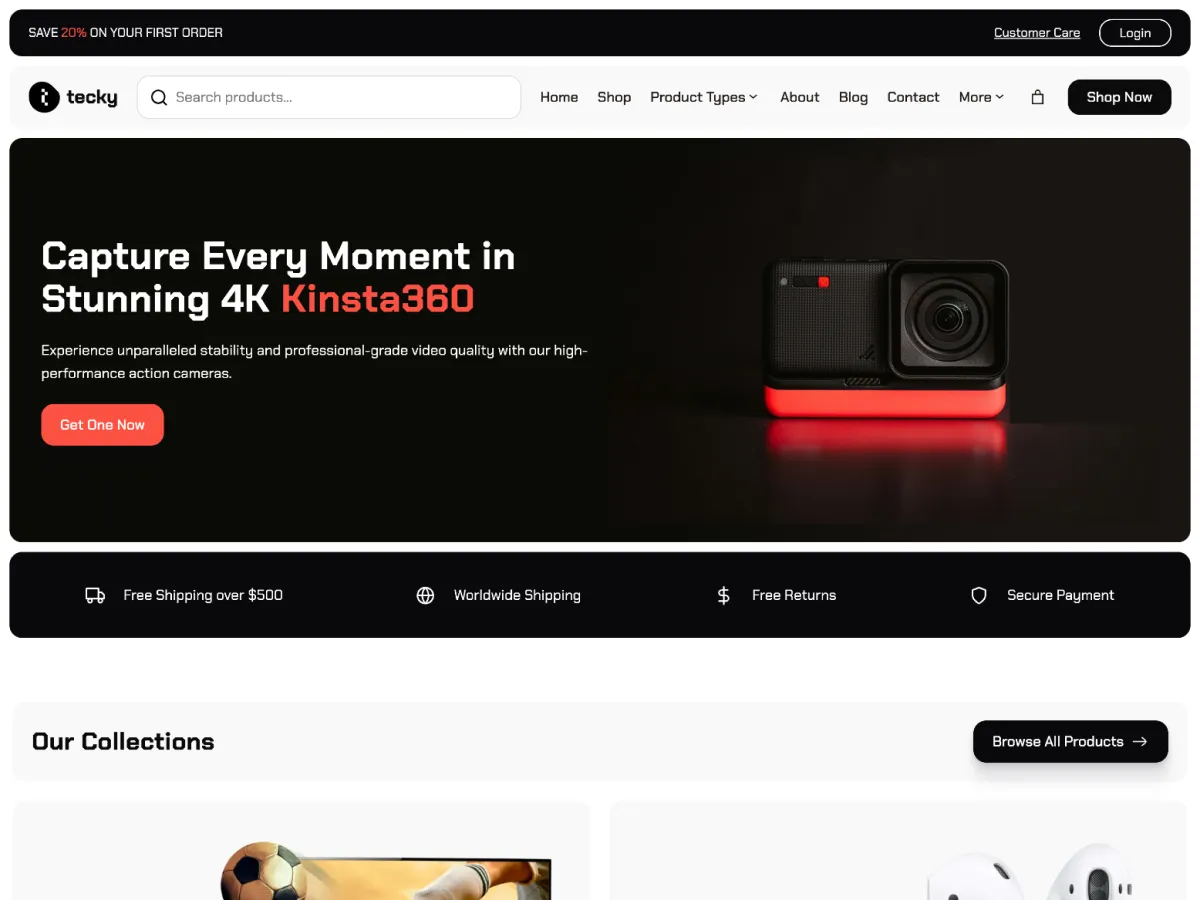
Tecky
A modern tech WooCommerce for electronics and gadget stores—responsive, fast, and easy use.
- Conversion-Optimized Homepage
- Pre-Built About and Contact Pages
- Multilingual & Translation-Ready
- and more…
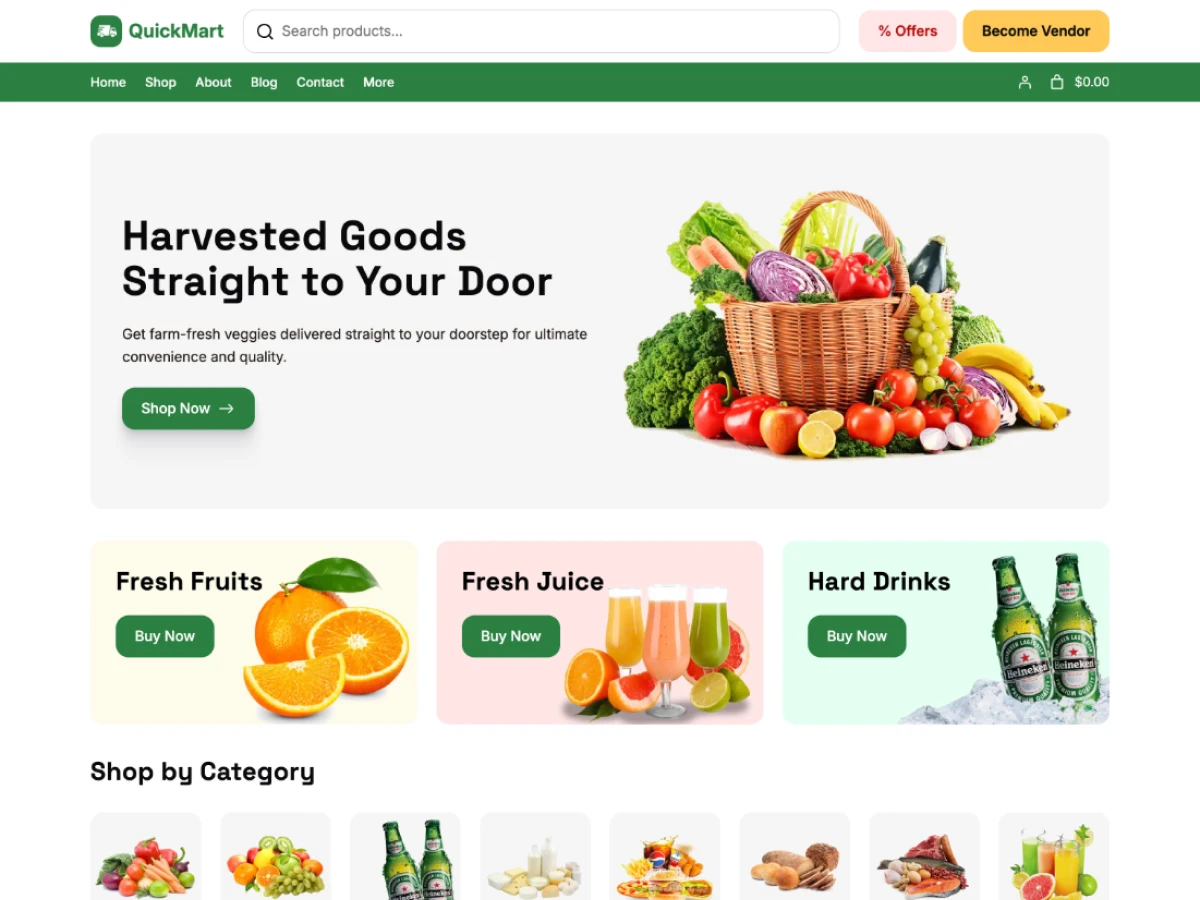
QuickMart
Fresh, Fast & Flexible WooCommerce Supermarket Theme for Grocery, Fresh Food, Drinks & Everyday Essentials
- Ready to use block patterns
- SEO-Friendly & Lightweight
- One-Click Demo Import
- and more…
Ready to Build Your Dream WooCommerce Store?
From startups to enterprises, SpadeThemes helps every WooCommerce store stand out. Ditch cookie-cutter designs and grow confidently with SpadeThemes Woo.